
What you get with NewsPlay AI
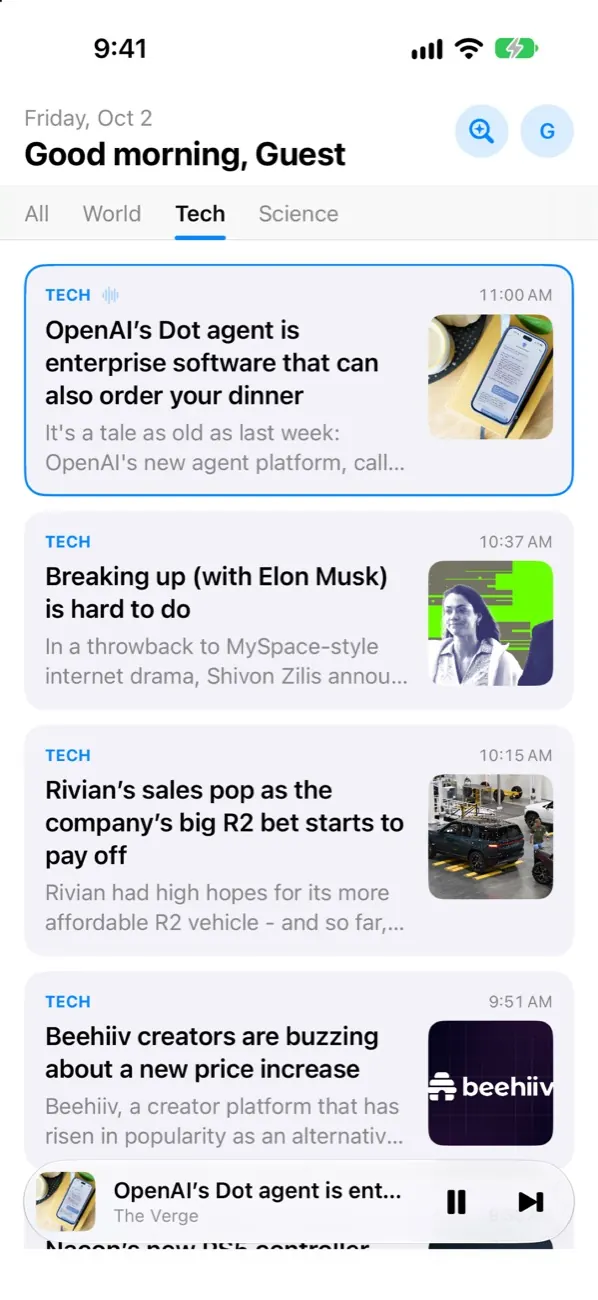
- Your feeds as audio: the latest stories from all your feeds in one brief, read aloud newest first, each introduced with its source.
- Natural voices on your phone: ten built in, each with its own style, free and offline. Each story is read in a voice that matches its language.
- A podcast-style player: skip, playback speed from 0.8× to 1.5×, sleep timer, lock screen and headphone controls, AirPlay and CarPlay on iPhone.
- Read along: open any story to read the full article in a clean view, and play it with the current paragraph highlighted.
- Offline: on Wi-Fi, NewsPlay gets your brief ready with audio, pictures and full articles.
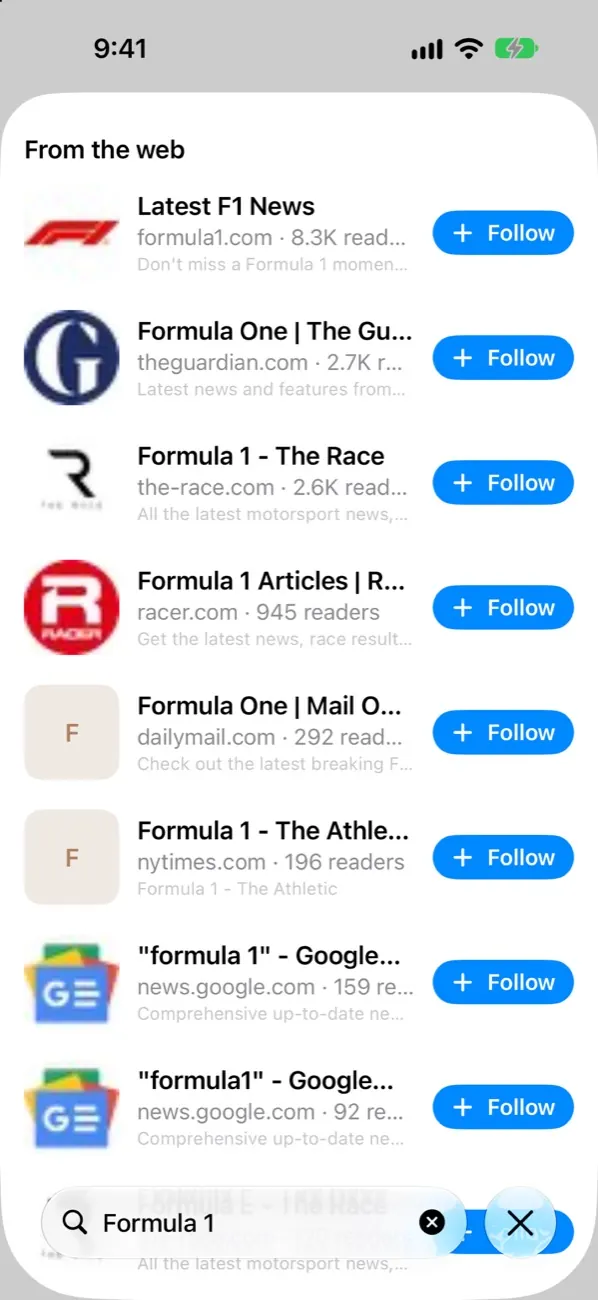
- More than RSS: YouTube channels, subreddits, Bluesky and Mastodon profiles, local newspapers and TV stations, and followed searches as their own tabs.
Move your feeds over
NewsPlay AI doesn’t import OPML files yet, so you add feeds one at a time. For most people that’s a handful of favorites, and it takes a few minutes:
- Choose the feeds worth hearing. Pick the sources you’d want read to you, usually news sites and blogs with shorter posts. You can follow up to 30.
- Copy each link. The feed address works, and so does the site’s home page: NewsPlay looks for the feed the site advertises.
- Paste it into NewsPlay AI. Open Discover (the magnifying glass), paste the link, and check the live preview of the latest stories before you add it.
- Arrange your tabs. Put each source under a topic, reorder the topic tabs, and choose which tabs are read in your brief.
- Press play.
Reading and listening are different jobs
A screen reader lets you skim dozens of headlines in seconds and save what matters. Listening suits a smaller set of sources you trust, played in order while you do something else. That’s why many people keep a reader for their desk and use NewsPlay AI when their eyes are busy. Both work from the same open RSS feeds that sites publish, so you don’t have to choose one forever.
What NewsPlay AI doesn’t do
To save you time: NewsPlay AI is a personal listening app. It doesn’t import or export OPML, it isn’t built for teams or research boards, it doesn’t read feeds that need a login, and it doesn’t publish a podcast feed for other podcast apps. If those are must-haves, keep your current reader for them.
Price
NewsPlay AI is free, with a few ads among the stories. On iPhone and iPad, NewsPlay AI Pro removes the ads. Feeds, voices and offline downloads are all in the free app.
Feedly is a trademark of its owner. NewsPlay AI is made by Smobile Factory and is not affiliated with, endorsed by, or sponsored by Feedly.
Frequently asked questions
Can NewsPlay AI read my RSS feeds aloud?
Yes. Add any public RSS or Atom feed, or paste a website's home page and NewsPlay AI finds its feed. The newest stories from all your feeds are read aloud in one brief.
Can I import my subscriptions with an OPML file?
Not yet. Add each feed by pasting its link in Discover. You can follow up to 30 sources.
Can I use NewsPlay AI and another RSS reader at the same time?
Yes. Both read the public feeds that sites publish, so you can follow the same sources in each and use whichever fits the moment.
Do the voices work offline?
Yes. The natural voices run on your phone. With Download for offline on, your brief's audio, pictures and articles are saved on Wi-Fi so you can listen with no connection.
Is NewsPlay AI free?
Yes, with a few ads among the stories. On iPhone and iPad, NewsPlay AI Pro removes the ads.
Press play on your news
Free on the App Store and Google Play.